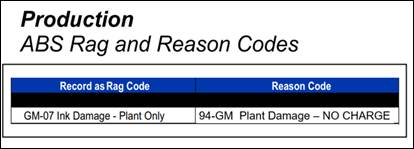
Production Training - Take Items Out of Circulation

Mar 12, 2026
 3
3
Complete the following steps to replace garments for an account:
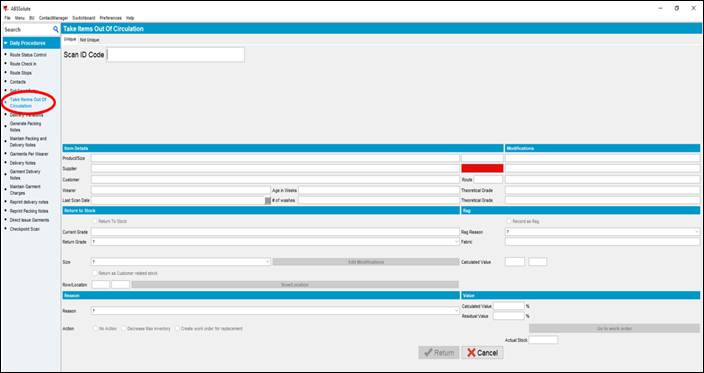
- In ABS, navigate to Daily Procedures – Take Items Out of Circulation
- Replacing garments are performed using the Take Items Out of Circulation icon
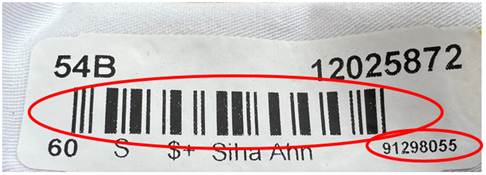
- Scan the barcode on the garment or enter the eight-digit number located on the bottom right of the identification sticker
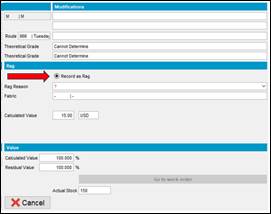
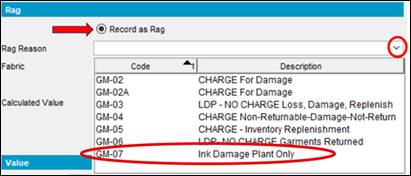
- Select Record as Rag
- Select the dropdown and click GM-07 Ink Damage Plant Only
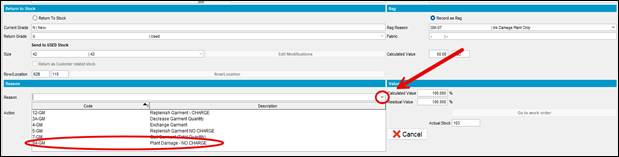
- Select the dropdown and click Plant Damage – NO CHARGE
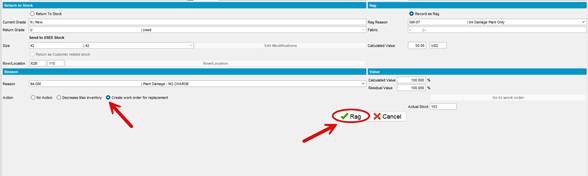
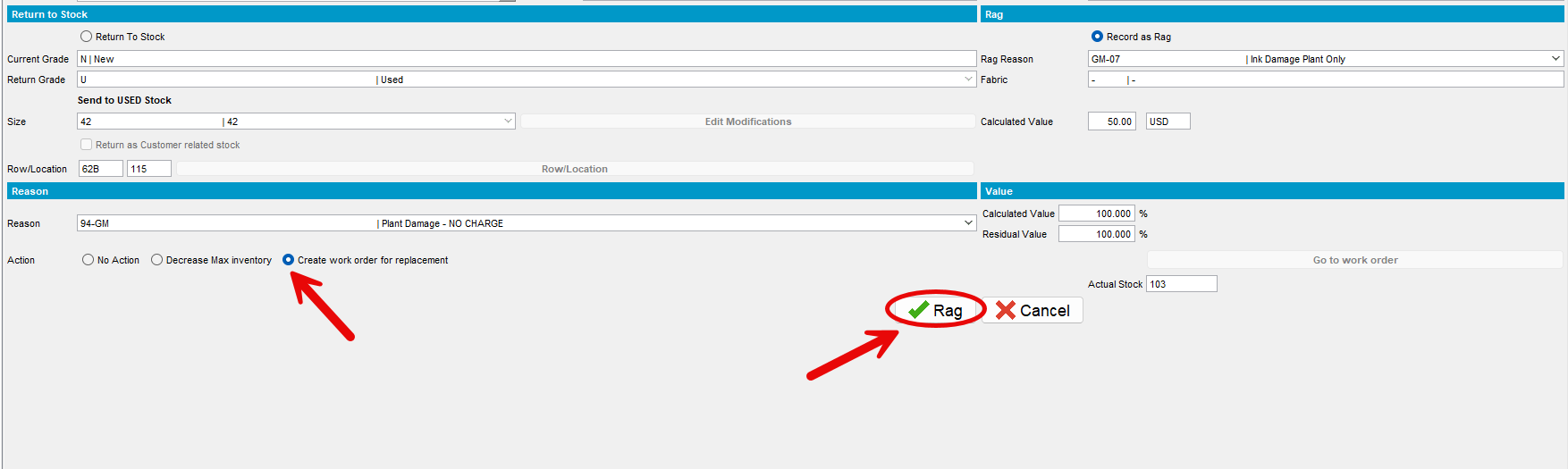
- Select Create work order for replacement and then click Rag
 |
Print and place next to the computer workstation