


NM1: Visitation Assistant - Identify

Apr 08, 2026
 58
58
This article outlines the Identify application within the Visitation Assistant.
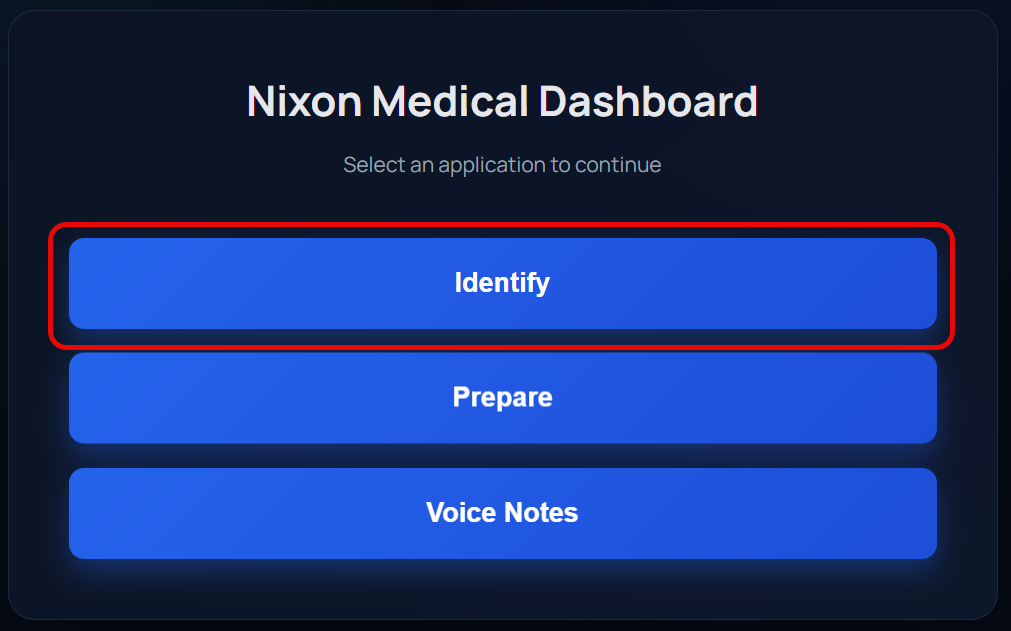
1. Start by logging into NM1 and selecting Identify from the dashboard.
2. A pre-ranked list of your customers will be displayed (10 at a time). Your customers are weighed against the rules developed to identify customers where a visitation is needed.
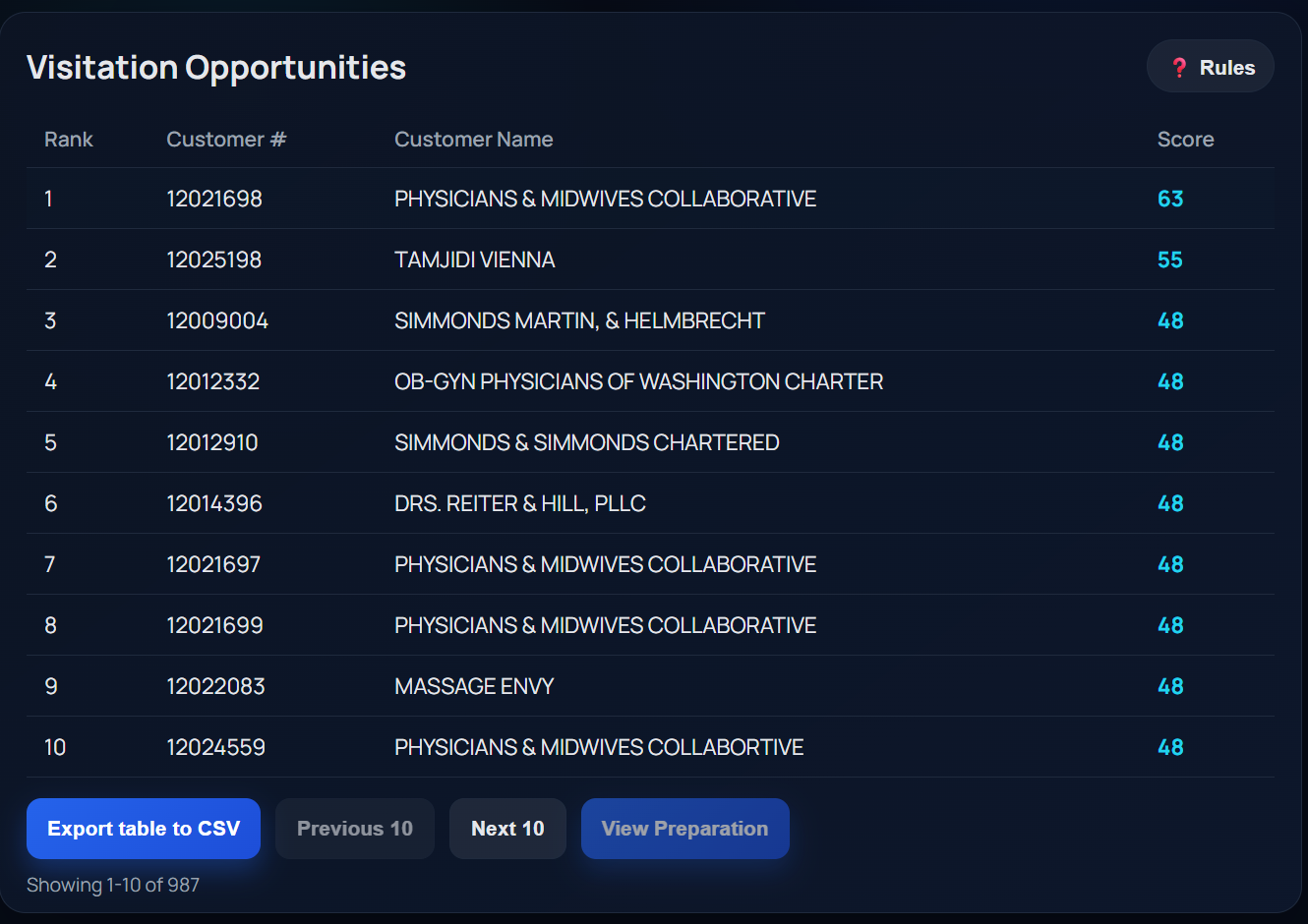
- Select Rules at the top right corner to see what rules are being applied in the scoring system.
- Select Export table to CSV to export your entire customer list with which rules were triggered by each customer.
- Select Next 10 to move to the next page.
- Select a customer in the ranked list, then click View Preparation to move to the next application.
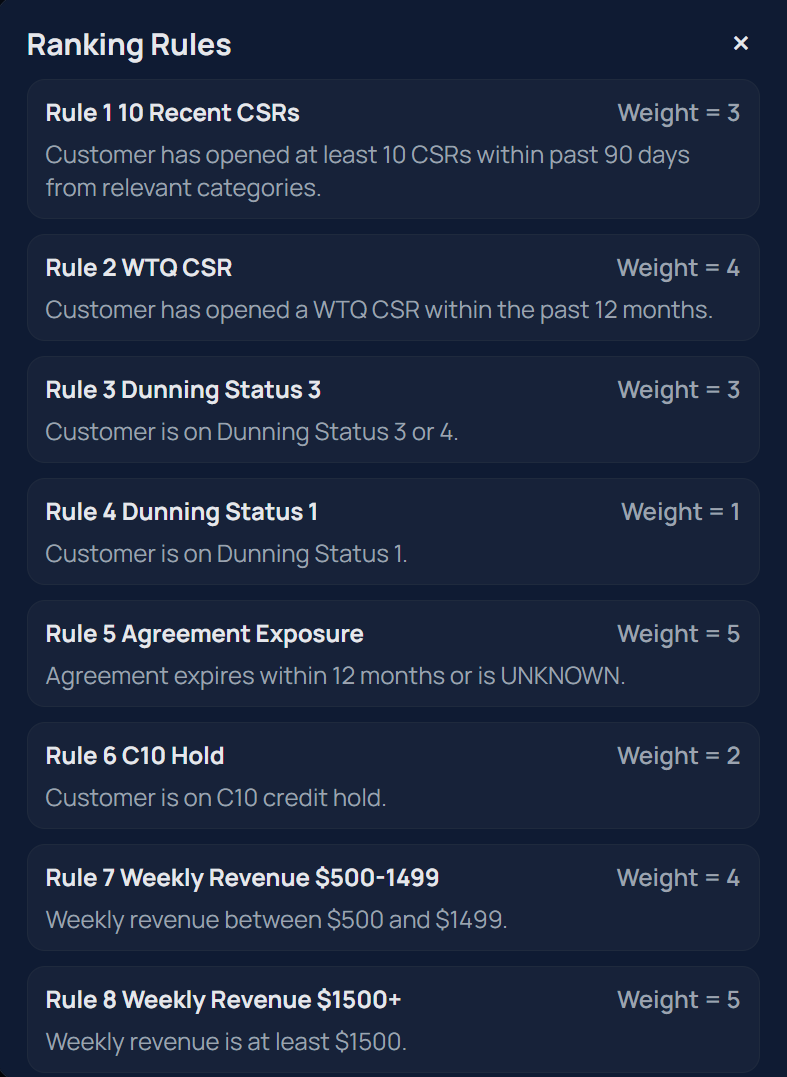
* Note * Rules will change from time to time. It is recommended to check on the rulelist periodically to understand what is driving visitation needs.

