

Installing ABS Client for Cloud

Apr 27, 2026
317

This article explains how to install the new ABS Client for Cloud.
1. Ensure you are on the Nixon network either via Nixon wifi or VPN.
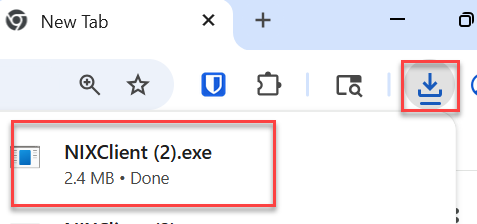
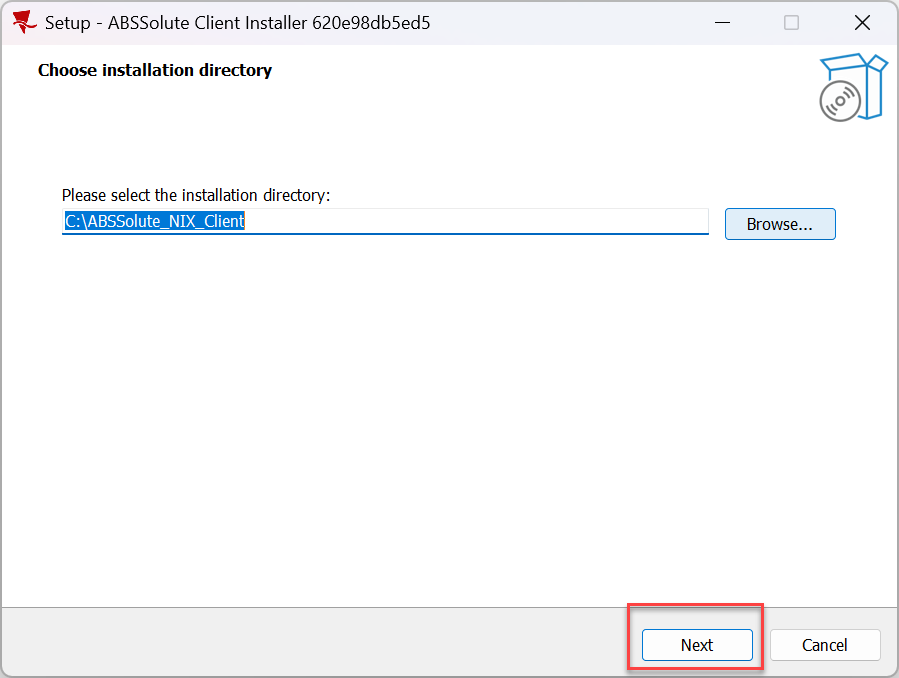
2. Click the link below to automatically download the installer. Then open the downloaded file > click “next” and it will start a second, longer download.
After that download is complete, if it prompts for network access click “allow”
https://ashdownload.abssolute.net/Remotecl/NIX/NIXClient.exe
3. After the download is complete, rename the “nixclient” shortcut in your desktop to “abs cloud”.
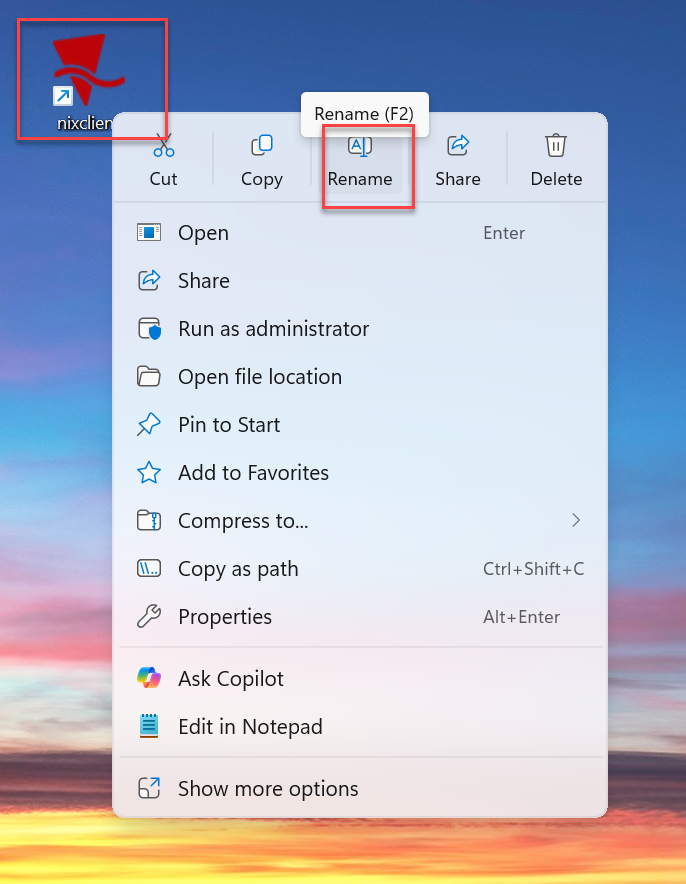
4. Delete any old ABS shortcut

